123bdt Deposit Guide: money in from a mobile wallet
Work through this once and you can top up a 123bdt account from bKash, Nagad, Rocket or Upay without guessing, know exactly how long the money takes to land, and fix the usual failures yourself. Every amount and time below is what the cashier actually applies.
Get your account and wallet ready first
Two things have to exist before the cashier accepts anything from you: an open 123bdt account and a mobile wallet holding enough balance. The wallet must be registered in your own name. The cashier matches the number that sends the money against the number on the account, and a transfer from a cousin's wallet stays uncredited while a person checks it by hand.
Starting fresh is quick. Open an account, confirm the mobile number you want to use, and set a password. After that the same number gets you back in through the login page, and the cashier appears on the home screen of the app or the browser session.
Keep ৳400 in the wallet before you begin. That is the smallest deposit the cashier accepts, and it is also the smallest withdrawal. Splitting a smaller amount across two transfers does not work, because each transfer is checked on its own.
- Wallet app installed and logged in on the same phone you will deposit from.
- At least ৳400 of spendable balance, not money held for another purpose.
- Your account password to hand, since the cashier opens inside a logged-in session.
- A steady data connection. A drop in the middle of the form is the most common reason a payment goes missing.
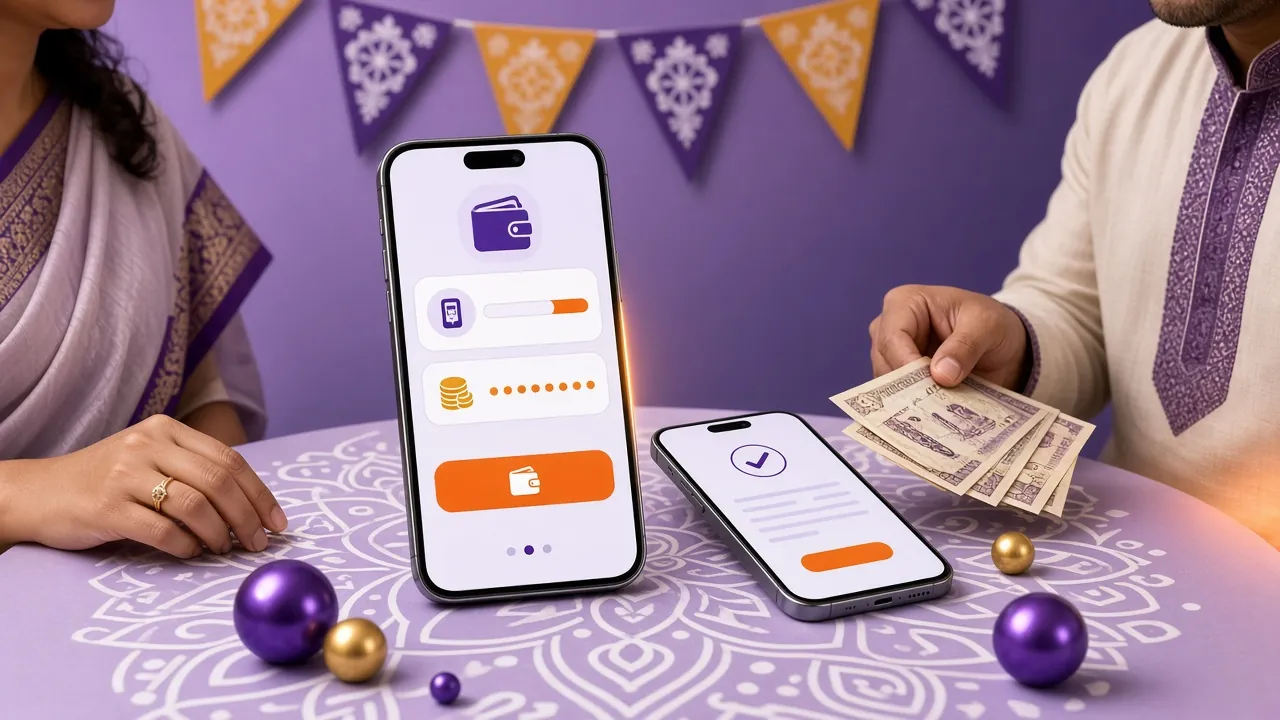
Payment methods on 123bdt, side by side
Full method comparisonAll four wallets behave the same way: you send from your own line, we credit the balance. Deposits post in about five minutes and payouts in about three. Times start from the moment the transfer is confirmed on the wallet side, not from the moment you open the form.
| Payment method | Smallest deposit | Deposit lands | Withdrawal lands |
|---|---|---|---|
| bKash | ৳400 | About 5 minutes | About 3 minutes |
| Nagad | ৳400 | About 5 minutes | About 3 minutes |
| Rocket | ৳400 | About 5 minutes | About 3 minutes |
| Upay | ৳400 | About 5 minutes | About 3 minutes |
Whichever wallet you pick, the receiving number shown in the cashier is the same for deposit and for payout. Save it once and the second top-up takes half the time. Your wallet operator sets any charge on its own side, so check the fee screen in the wallet before you confirm.
Push money in with bKash in a few taps
This is the flow most players in Bangladesh use, and the other wallets copy it almost step for step. Read the fourth step twice, because that is where most failed deposits begin.
-
Open the cashier while you are logged in
Log in, then tap Deposit on the home screen. If the button asks you to sign in again, your session has expired and the form will not accept a transfer ID until you are back in.
-
Choose bKash and type the amount
Enter ৳400 or more, in whole taka. The field shows the minimum under it, so you can check before you commit to a number.
-
Copy the receiving number, do not retype it
The page shows a wallet number and a reference. Use the copy button. One wrong digit sends your money to a stranger and no amount of chatting brings it back quickly.
-
Send from your own bKash app
Switch to bKash, use Send Money, paste the number and the amount, and confirm with your PIN. Do not use the Payment option for a person-to-person transfer, and do not close the cashier tab while the wallet is processing.
-
Paste the transaction ID back into the form
Copy the TrxID from the bKash confirmation message, paste it into the cashier and submit. The balance usually updates inside five minutes, and the same page shows the new total.
Keep the message. The bKash SMS is your proof if anything goes wrong later. Do not delete it until the money shows in your balance and you have played at least one round.
Nagad, Rocket and Upay: same idea, small differences
Only the menus differ. The rules do not: your own number, ৳400 minimum, one transfer per deposit, transaction ID submitted in the cashier.
Nagad
- Open the cashier, choose Nagad and enter an amount from ৳400 up.
- In the Nagad app, pick Send Money, paste the shown number and confirm with your PIN.
- Copy the transaction ID from the Nagad confirmation, paste it into the cashier and submit.
Nagad sometimes sends the confirmation a minute after the money leaves. Wait for the message instead of sending a second time.
Rocket
- Choose Rocket in the cashier and note the receiving number, which follows the usual Rocket format with its check digit.
- Send the amount from your Rocket app or by USSD, from the number registered on your account.
- Submit the transaction ID in the cashier form and leave the tab open until the confirmation line appears.
If you deposit by USSD, the ID arrives as a short code in the reply message. Copy the whole string, including letters.
Upay
- Open the cashier, pick Upay and enter your amount.
- Send the money from the Upay app using the number on screen, not a number saved from an older session.
- Paste the transaction ID and submit. The balance updates on the same page.
Numbers can change when a merchant line rotates. Always read the number from the open form rather than a note in your phone.
Using the app? The 123bdt app remembers your last wallet number and fills the form for you. It runs on Android 8.0 and up, is 28 MB, and the current build is 2.1.20. Download it from the app page if you would rather deposit without a browser tab.
Why a deposit fails, and what to do next
Almost every stalled top-up falls into one of five patterns. Match yours in the table, try the fix once, and if the money still is not there, take the transaction ID to live chat, which is open at any hour.
| What you see | Likely cause | First thing to try |
|---|---|---|
| Transaction ID rejected | A space or a missing character from copying the SMS by hand | Reopen the wallet message and paste the full ID; it is case sensitive |
| Money left the wallet, balance unchanged | The transfer went out but the cashier form was never submitted | Do not send again. Take the ID and the amount to live chat |
| Amount refused | You sent less than ৳400 | Make one new transfer of ৳400 or more; small amounts are not combined |
| Held for checking | The sending wallet is registered to someone else | Deposit from a wallet in your own name next time, and send the ID to chat |
| Page timed out mid-form | Weak connection during submission | Reload the cashier before sending, and keep the tab open until it confirms |
The slowest part of any deposit problem is a duplicate payment. Sending a second transfer while the first is still in the queue creates two IDs against one intended deposit, and the extra amount has to be traced back to the sender before it is credited or returned. Wait the full five minutes before you try again.
What the first-deposit bonus asks of you
Bonus and VIP tiersA first deposit of ৳400 or more opens the 135% welcome bonus, capped at ৳13,000. The bonus is not cash on arrival: it has to be played through eight times before any of it can be withdrawn. On a ৳400 deposit that turnover target is small. On a deposit near the cap it is not, so work out the target before you choose the amount, not after.
The bonus arrives with the deposit, so you do not claim it separately. Everything after the first deposit runs on the reload offer of 26%, and the daily cashback of 1.7% on turnover sits underneath both. The welcome offer has to be used within seven days of being credited.
| Term | Value |
|---|---|
| Minimum deposit to qualify | ৳400 |
| First-deposit bonus | 135% up to ৳13,000 |
| Turnover on the bonus | 8× |
| Reload bonus after the first deposit | 26% |
| Daily cashback | 1.7% |
Games inside the lobby do not all count the same toward turnover. A live table round and a slot spin are not equal, so read the bonus page before you start clearing a large balance.
Taking money back out without delays
Step-by-step withdrawal guidePayouts use the same wallet you deposited from, which is why your own registered number matters from day one. The minimum is ৳400, the daily ceiling on a starting account is ৳230,000, and money usually reaches the wallet in about three minutes.
Your first withdrawal takes longer, up to six hours, because the account needs a one-time document check. Have a photograph of your National ID card, passport or driving licence ready. The check is reviewed within twelve hours, and everything after that first clearance runs at normal speed.
- Cash out to the wallet number registered on the account, not a friend's.
- Clear bonus turnover first, or the withdrawal request is held until it is met.
- Send one request at a time. Two pending requests slow both of them.
Payout limits rise with VIP level, from ৳230,000 a day on Starter up to ৳7,200,000 a day at Diamond. Cashback climbs from 1.7% to 2.7% across the same ladder, and the upper tiers add a personal manager. Full thresholds sit on the bonus and VIP page.
Deposit questions, answered plainly
How long should a 123bdt deposit take to appear?
Why did my deposit fail while the money still left bKash?
Can I deposit from a family member's wallet?
Is there a charge for putting money in?
What is the smallest deposit I can make?
Do I have to claim the welcome bonus separately?
Can I deposit from the app instead of a browser?
Fund an account and start with ৳400
Register, log in, pick a wallet and follow the five steps above. The first transfer is the slowest one you will make on 123bdt; after that the numbers and the flow are already on your screen.
18+ · Play Responsibly. Set a deposit limit before your first transfer.